Description
Noptin is a lightweight Newsletter Plugin For WordPress.
★★★★★
Noptin allows you to:-
- Create unlimited newsletter subscription forms.
- Add your optin forms anywhere on your website using a shortcode.
- Display your optin forms in a popup or lightbox.
- Add unlimited newsletter subscription widgets on any widget areas.
- Collect unlimited newsletter subscribers.
- Send your email subscribers one-off newsletters.
- Automatically notify your subscribers everytime you publish a new blog post so that they can keep coming back to your website.
The best part is that you are able to do all this without leaving your WordPress dashboard. If you are worried about email deliverability, you can install any SMTP plugin of your choice and Noptin will automatically use it to send your newsletters. No configuration needed!
Noptin works with WooCommerce out of the box to help you automate your WooCommerce powered store. It is also multisite compatible.
Getting Email Subscribers
If you’re migrating from another newsletter service or plugin, start by importing your existing newsletter subscribers into Noptin.
Next, start collecting new subscribers by:-
- Adding a newsletter subscription checkbox to your WordPress user registration forms.
- Add a newsletter subscription checkbox to your WordPress comment forms.
- Collecting newsletter subscribers on your WooCommerce checkout pages.
- Collecting newsletter subscribers on your EDD checkout pages.
- Using Ninja Forms to create a newsletter subscription form.
- Using Gravity Forms to create a newsletter subscription form.
- Using Elementor to create a newsletter subscription form.
- Using WPForms to create a newsletter subscription form.
- Using Contact Form 7 forms to create a newsletter subscription form.
In addition to the integrations above, you can also create your own newsletter forms.
Collect unlimited email subscribers
Noptin is so fast and can scale to thousands of subscribers without hurting your servers.
It’s built by marketers. As a result, we put most of our focus on optimizing for speed and the conversion rate. We offer several conversion rate optimization techniques out of the box.
For example, you can easily offer content upgrades and lead magnets with your email optin forms to gain more newsletter subscribers.
Increase your website traffic
Studies suggest that repeat website visitors are more likely to convert than first-time visitors. That is why Noptin makes it easy to notify your email subscribers every time you publish a new blog post.
This increases your website traffic as your newsletter subscribers login to read your new content.
Let users sign up for your newsletter using any of the following email opt-in form types:-
Embedded Email Opt-in Forms
Noptin allows you to embed an email opt-in form inside any post, page or custom post type. You can quickly create a form using our newsletter block or create one using our Opt-in Forms Editor and embed it in your content using a shortcode.
Email Opt-in Widgets
Noptin ships with two newsletter optin widgets.
Content Upgrades
Noptin makes it easy to add content upgrades to your newsletter optin forms. You set the URL to your lead magnet as the redirect URL and new subscribers will be able to download your lead magnets after they subscribe.
Automated New Post Notifications
Increase traffic to your website by automatically emailing your newsletter subscribers every time you publish a new blog post.
One-Time Email Newsletters
You can also send beautiful newsletters from WordPress to all your subscribers anytime you like. There is no limit to the number of newsletter emails you can send.
Screenshots
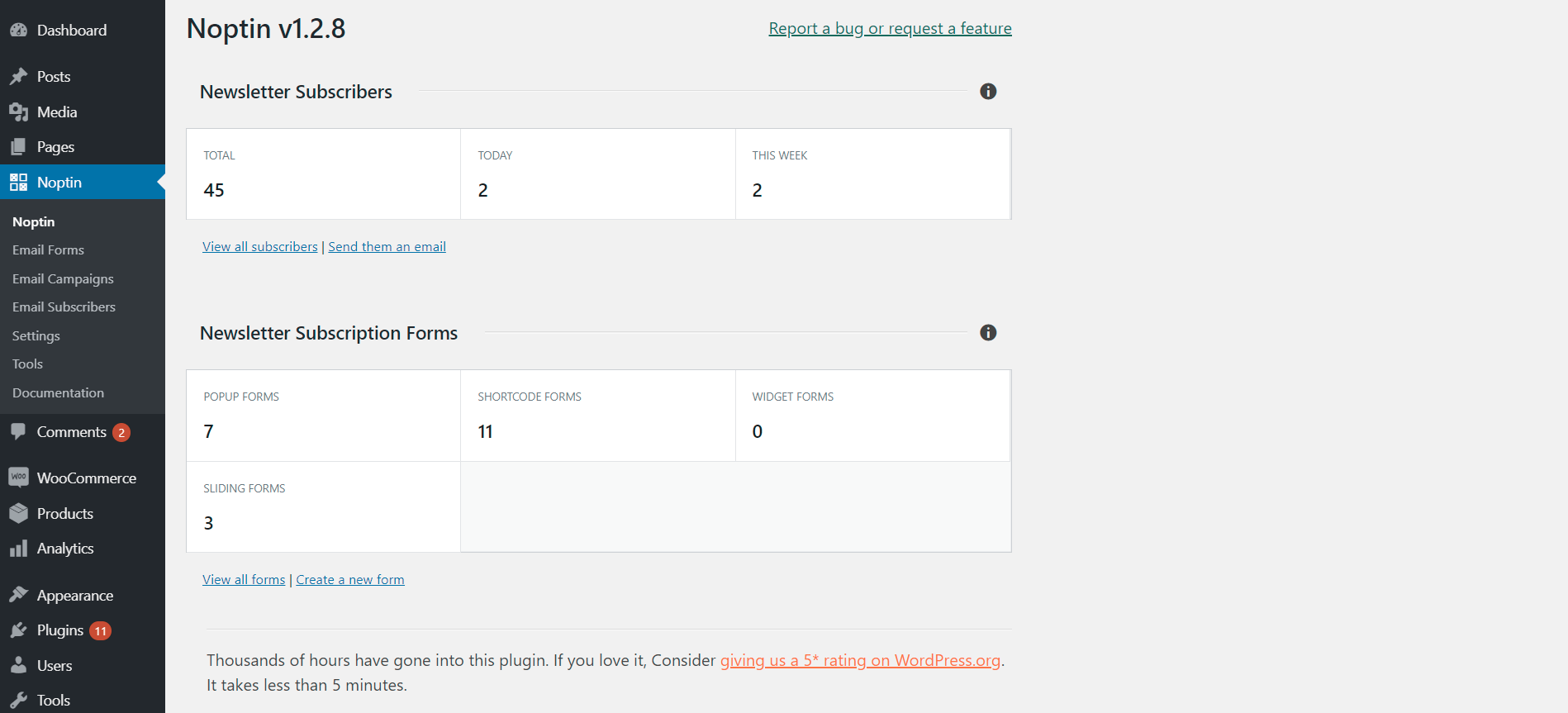
Noptin overview page 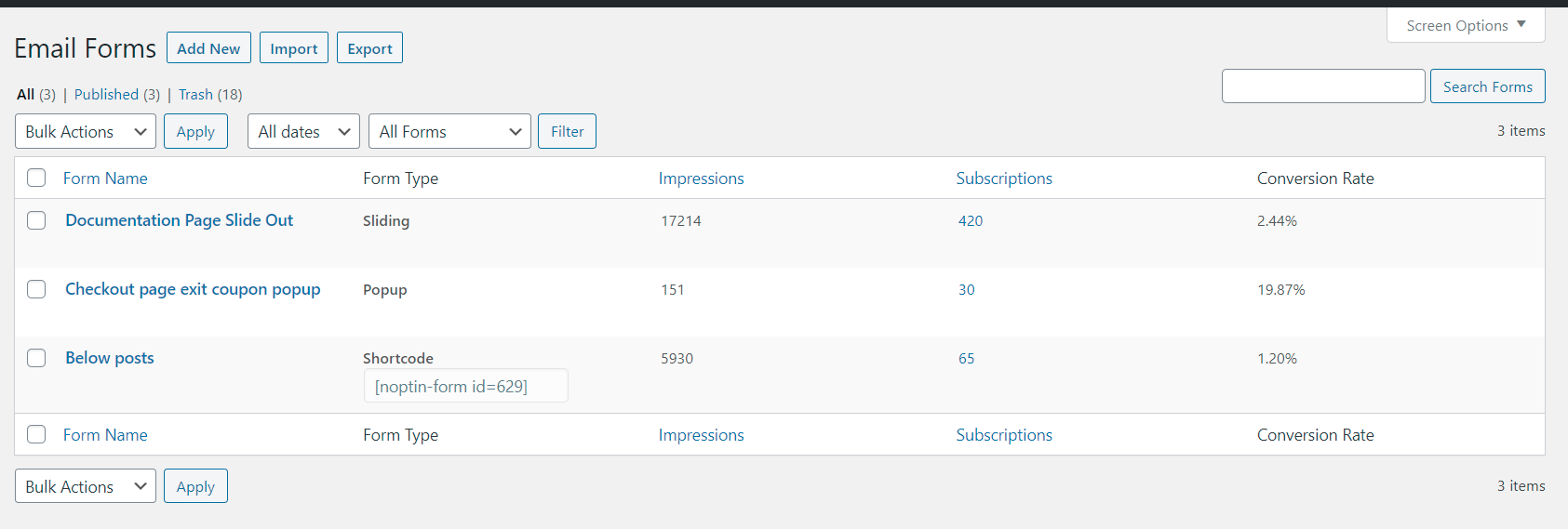
Newsletter optin forms overview page 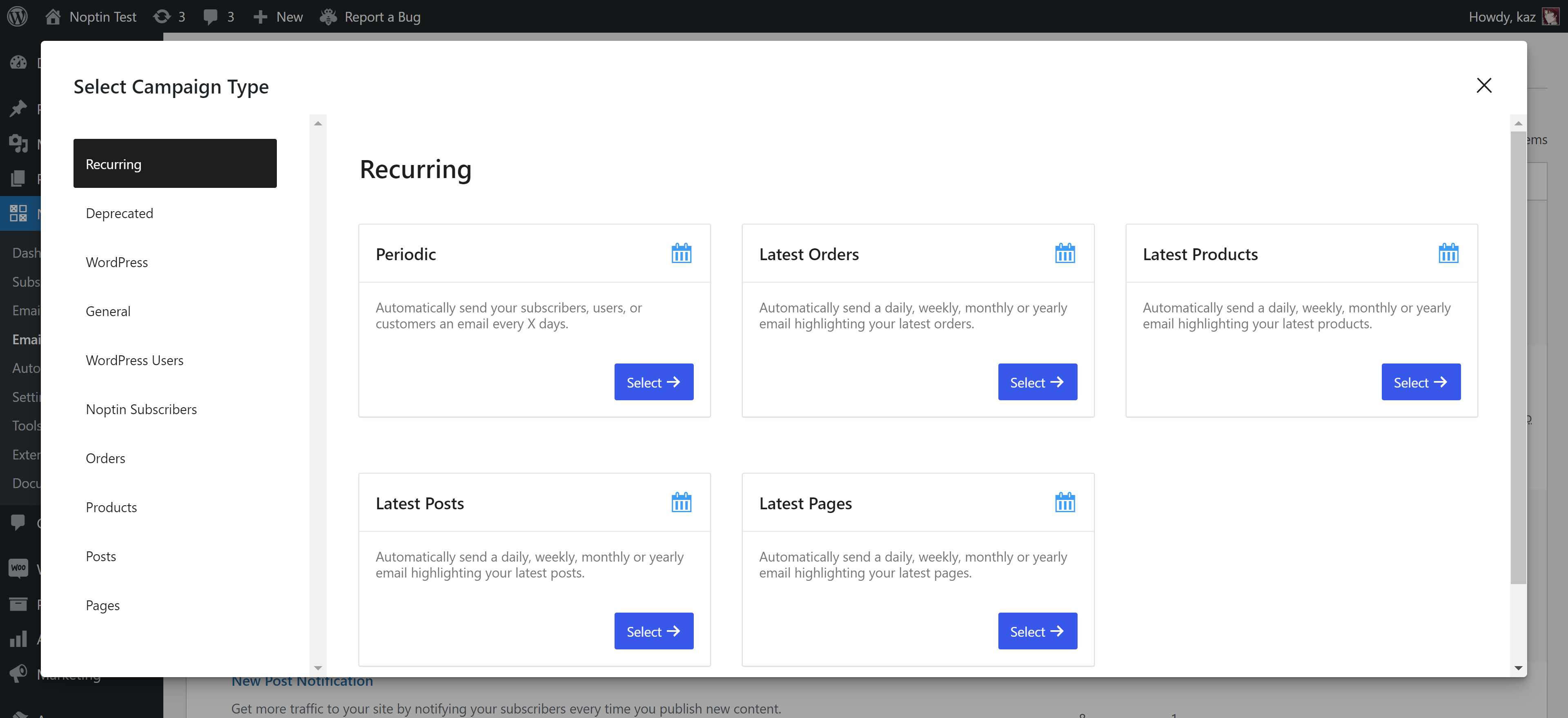
Setting up a new automated email 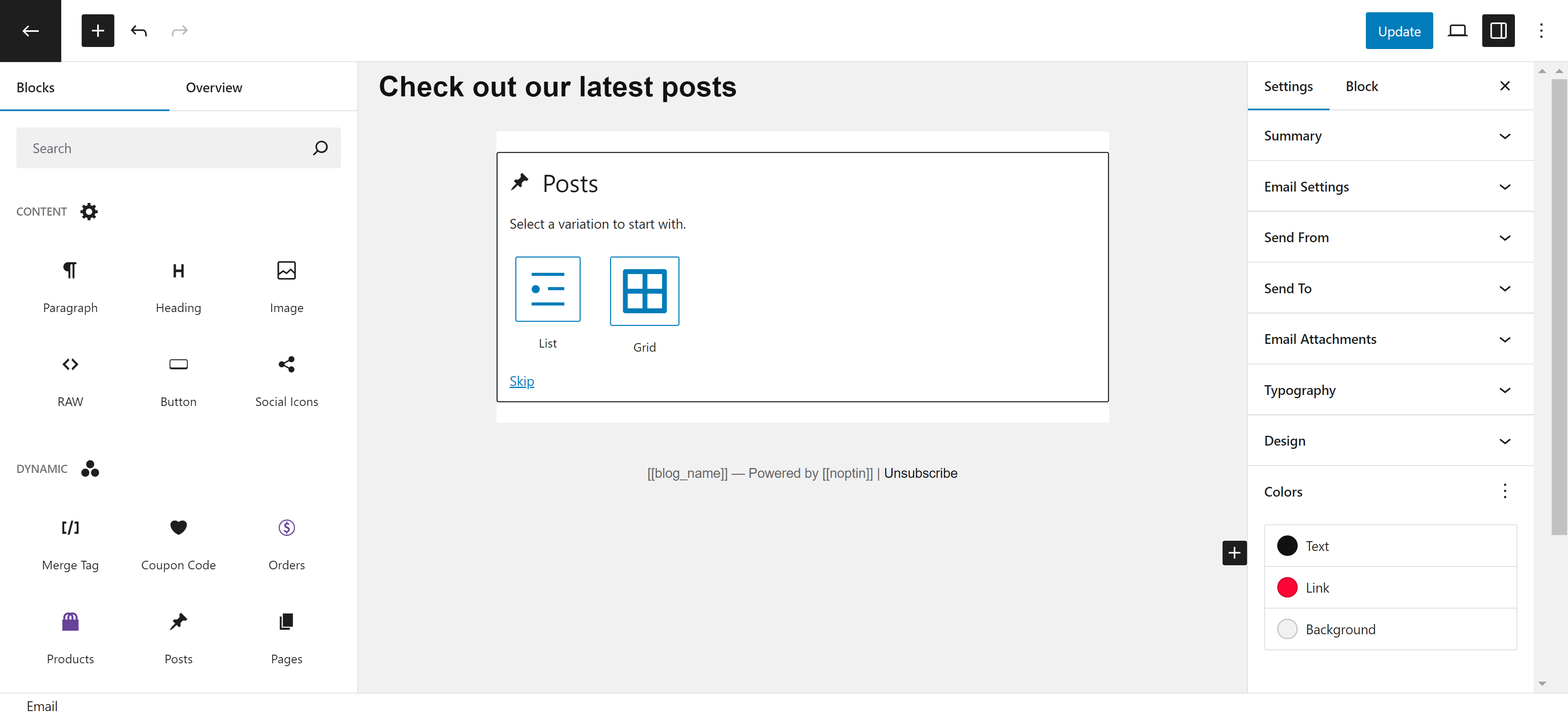
Visual newsletter editor. 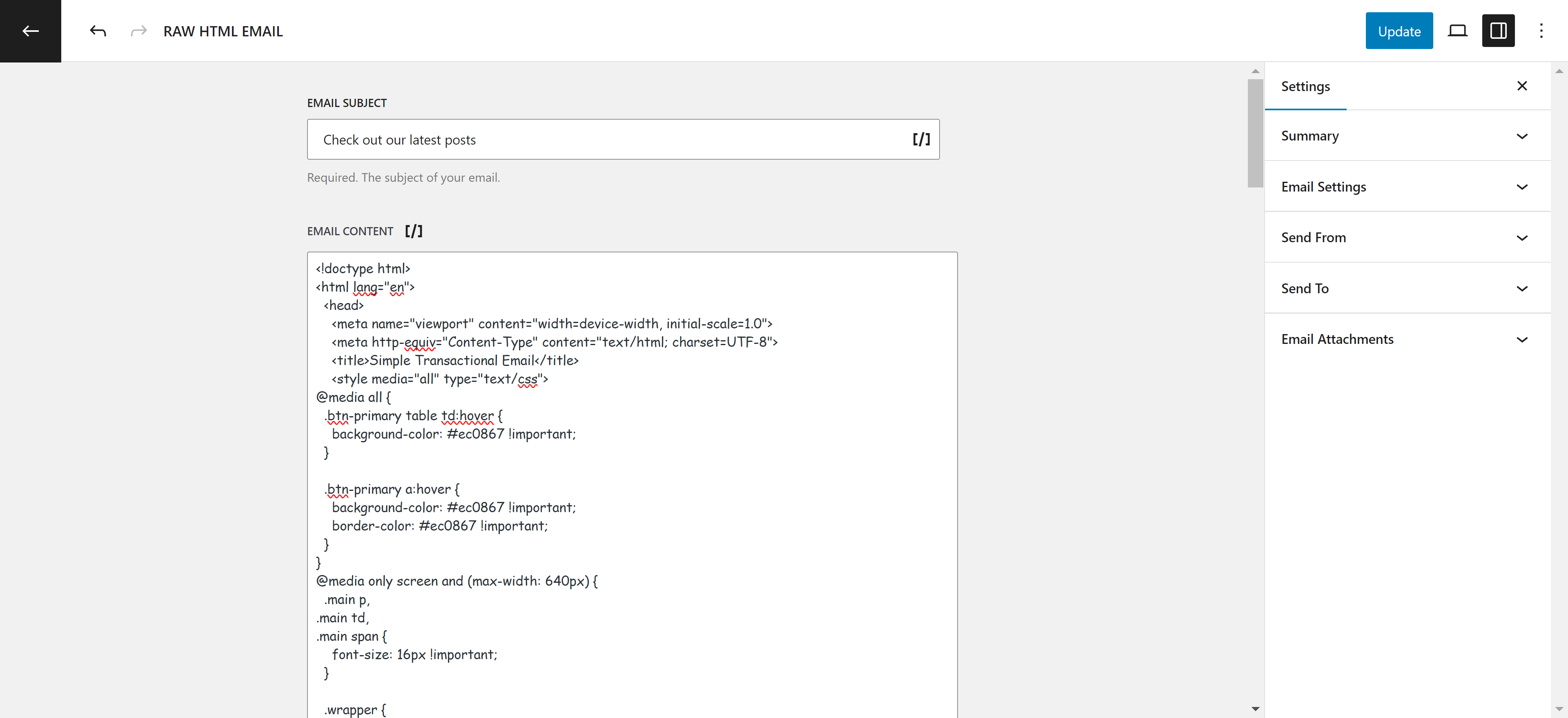
Raw HTML newsletter editor. 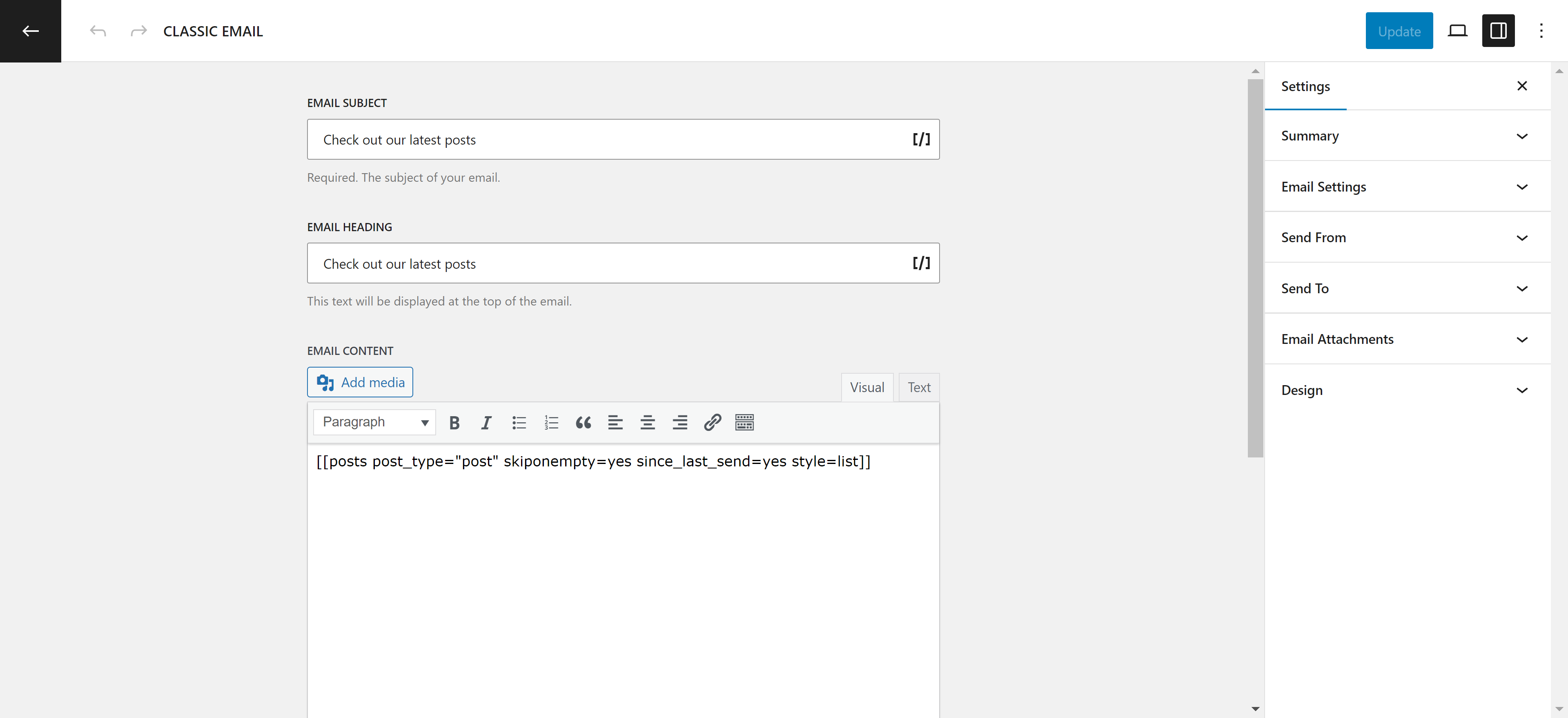
Classic newsletter editor. 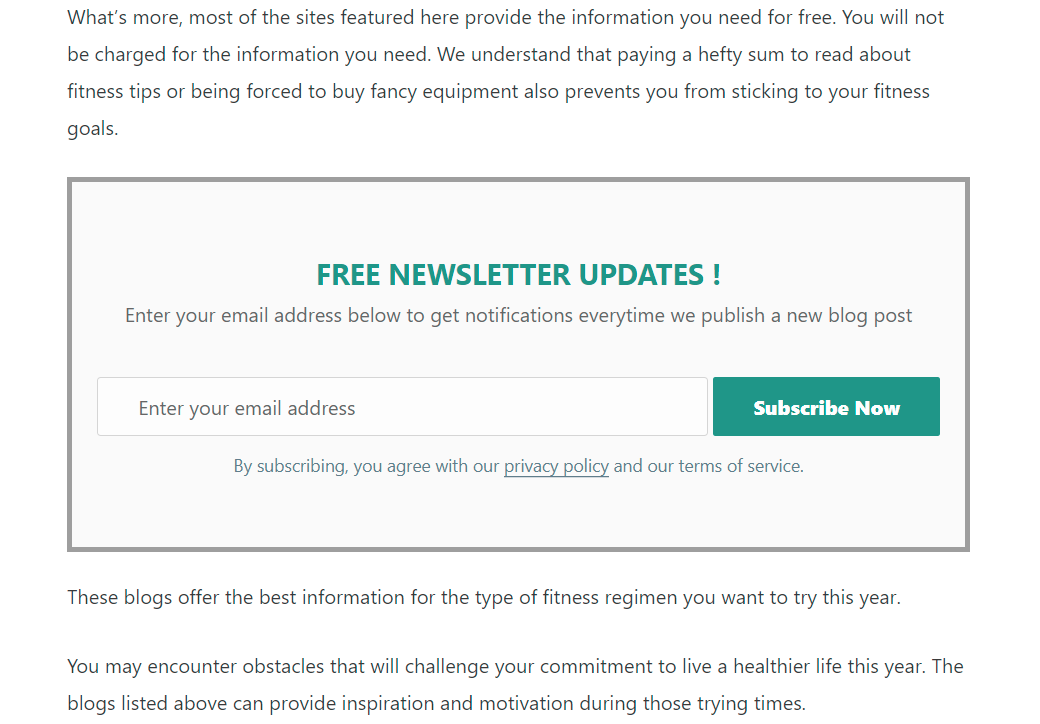
Sample newsletter subscription form 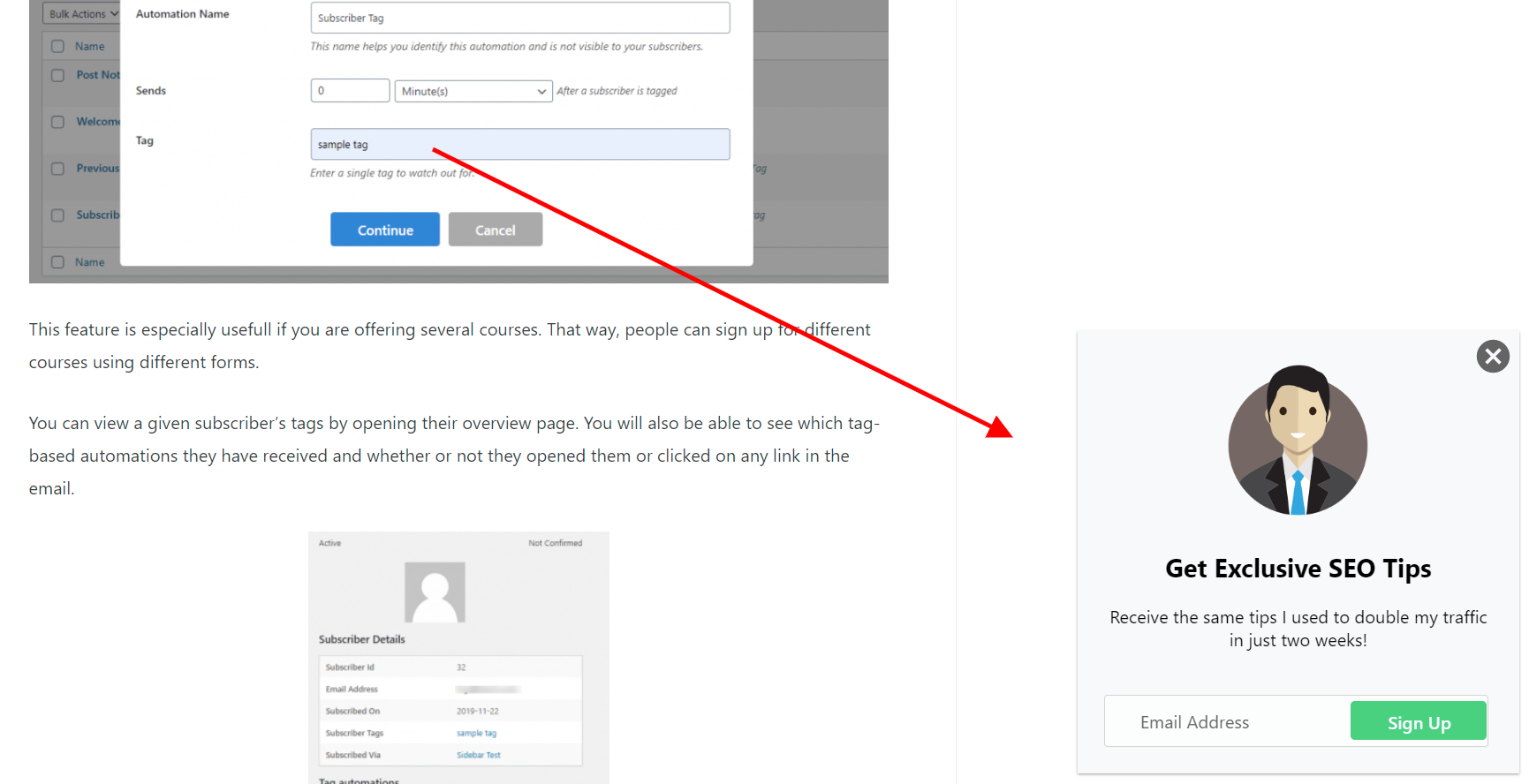
Sample newsletter subscription sliding form 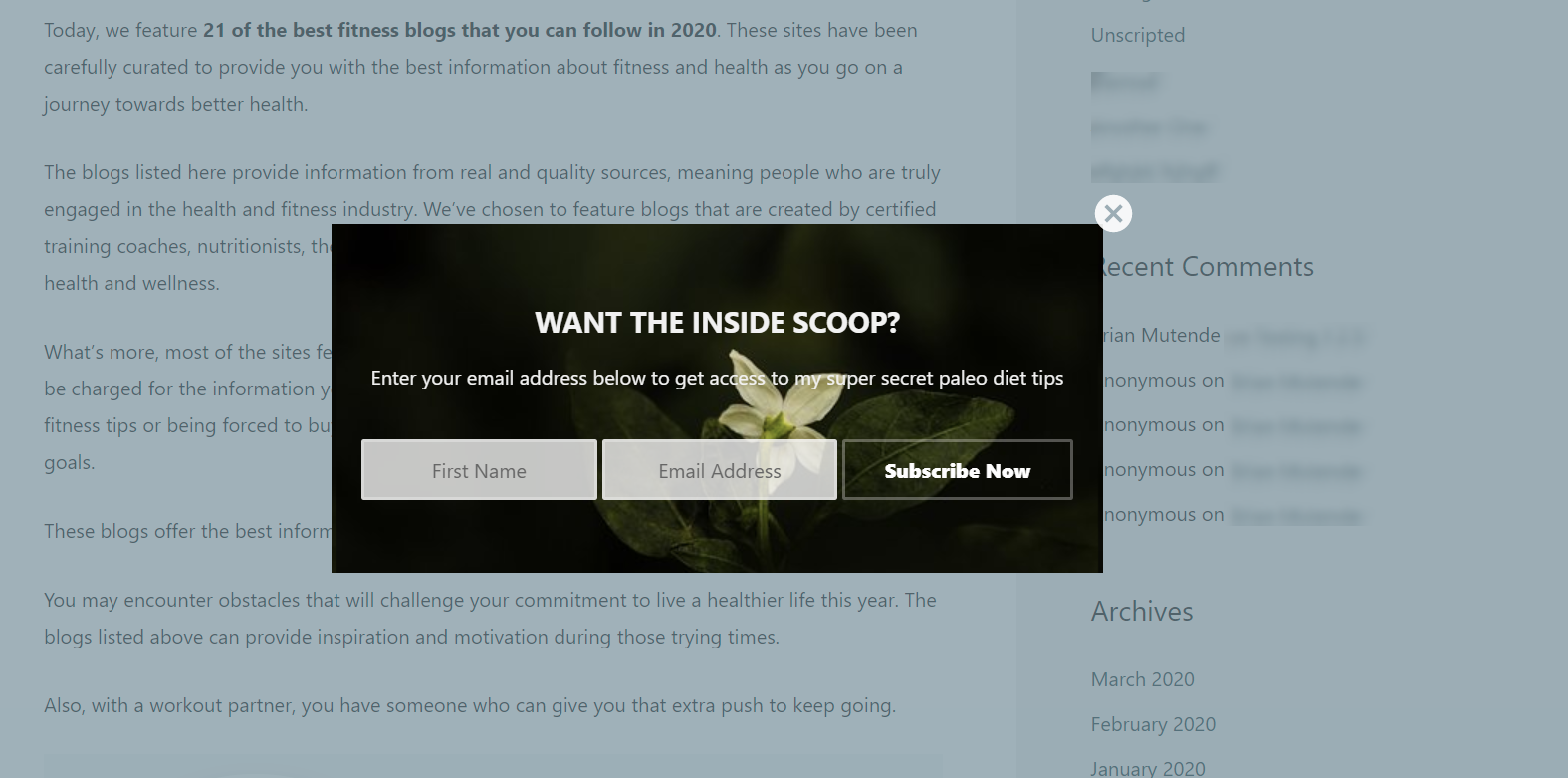
Sample newsletter subscription popup form 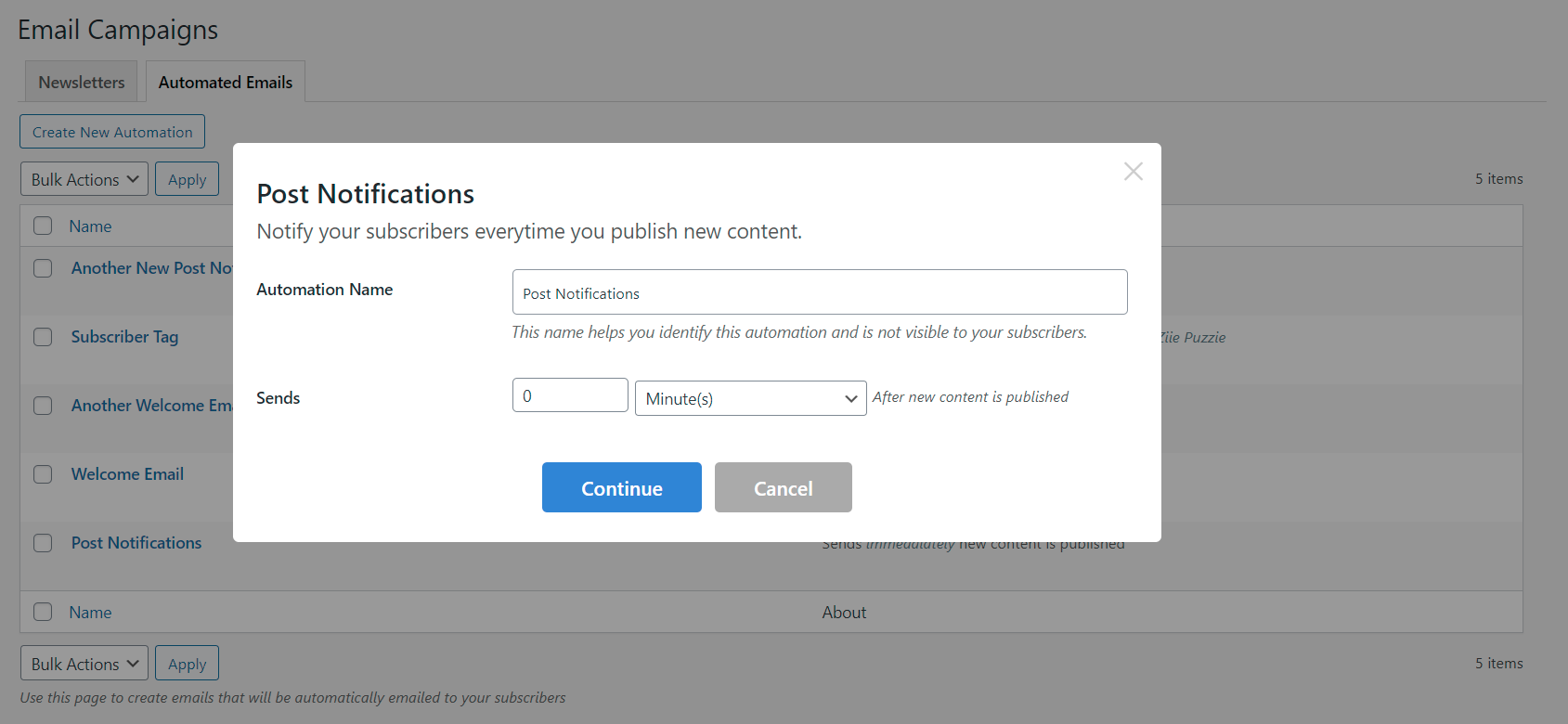
Automatically send new post notifications to your customers when you publish new posts. 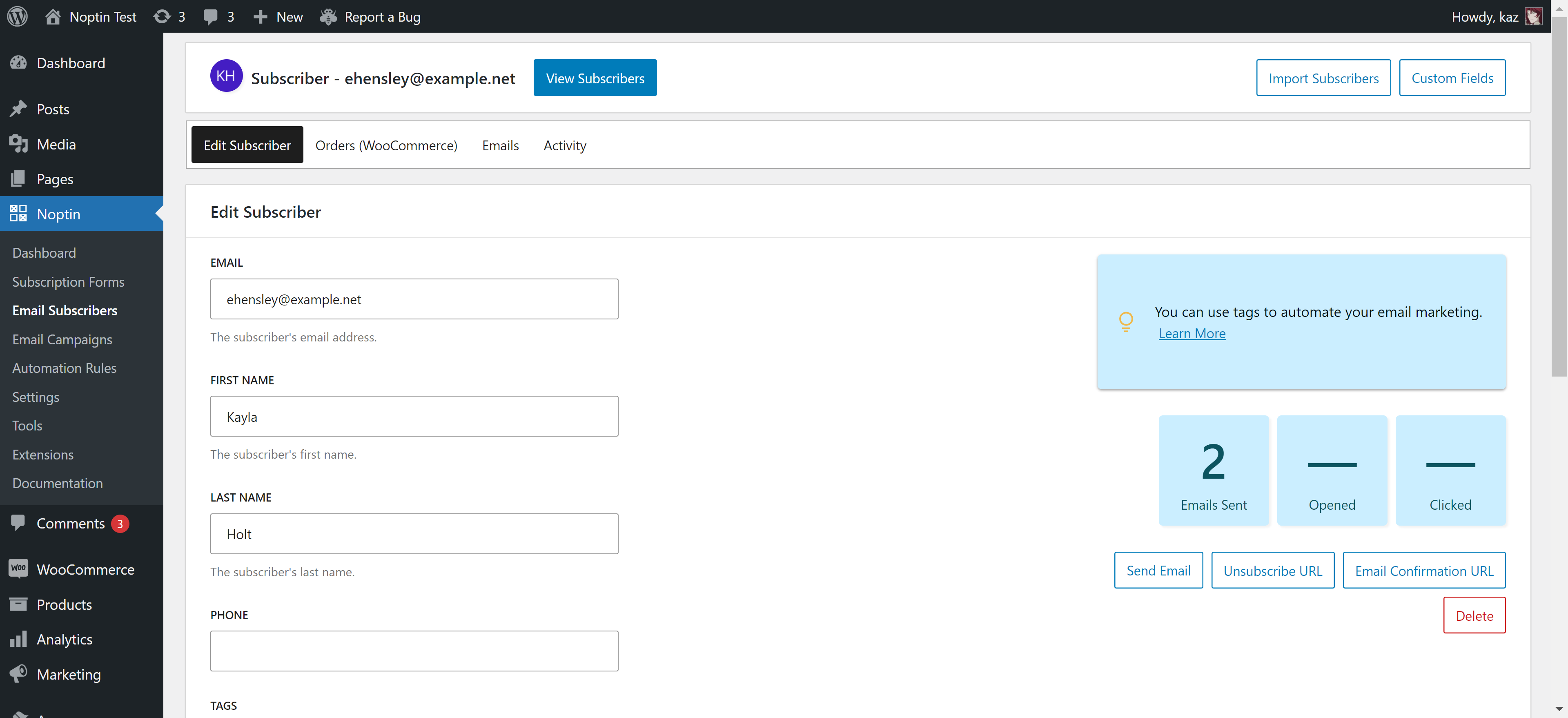
Viewing a single newsletter subscriber 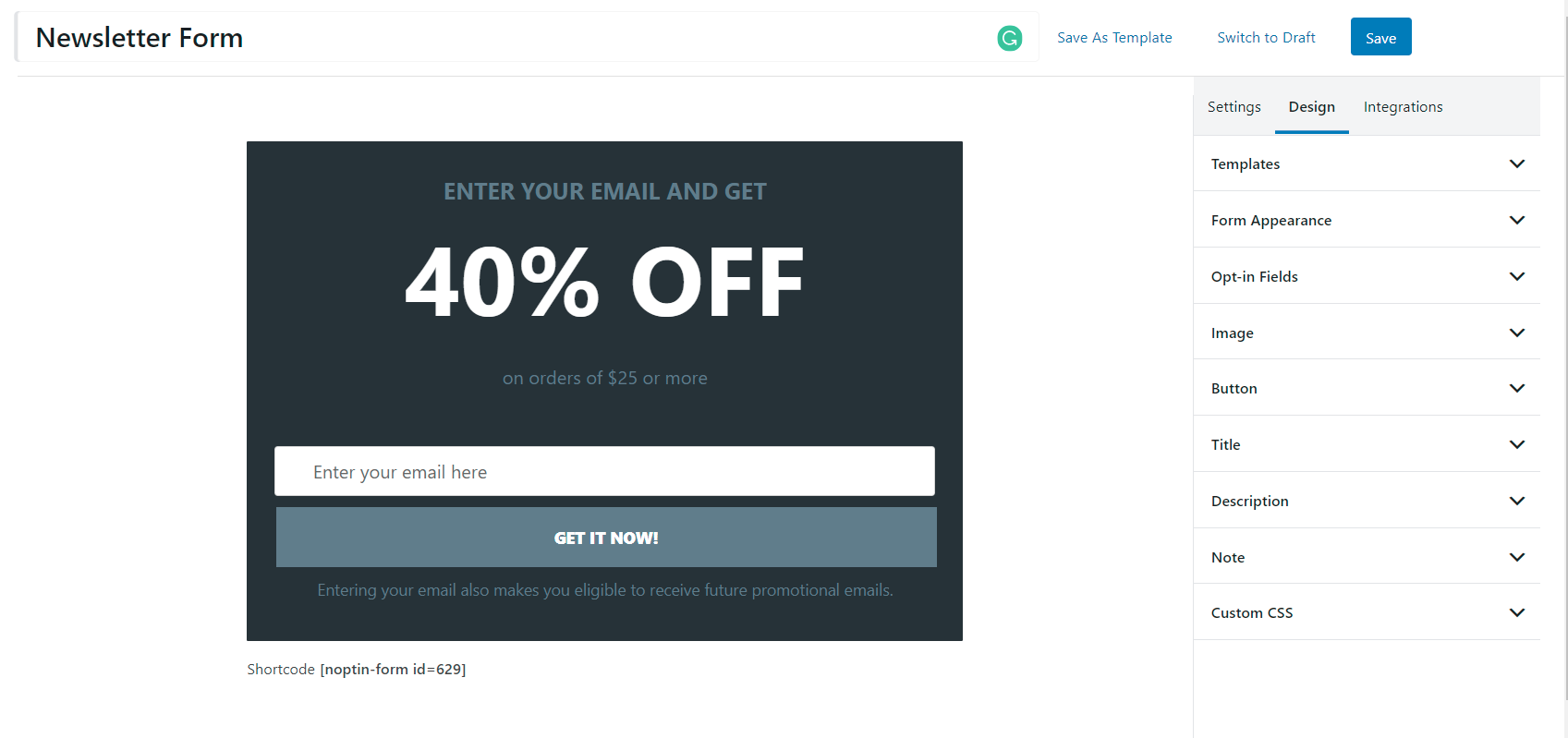
State of the art newsletter subscription form editor 
Plain text newsletter editor. 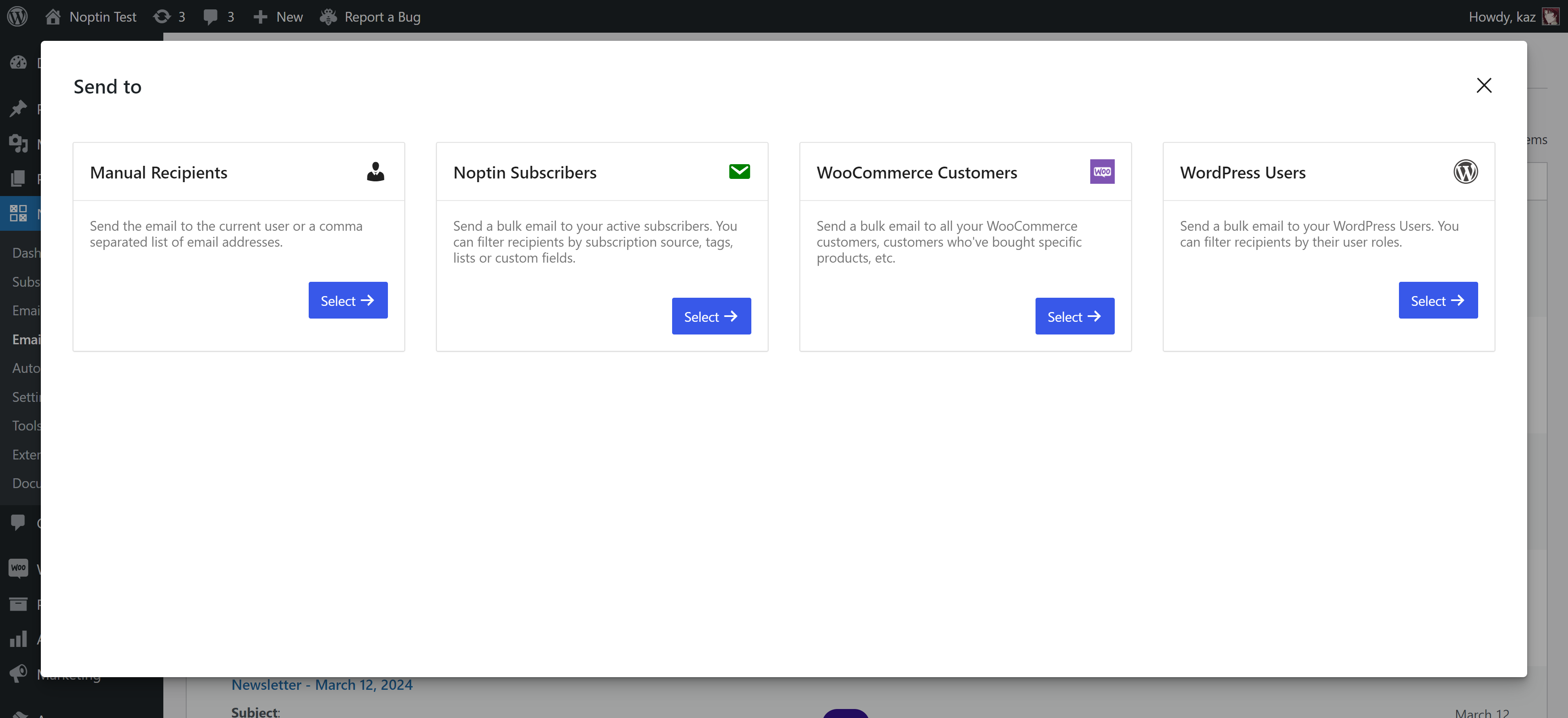
Select recipients for an email. 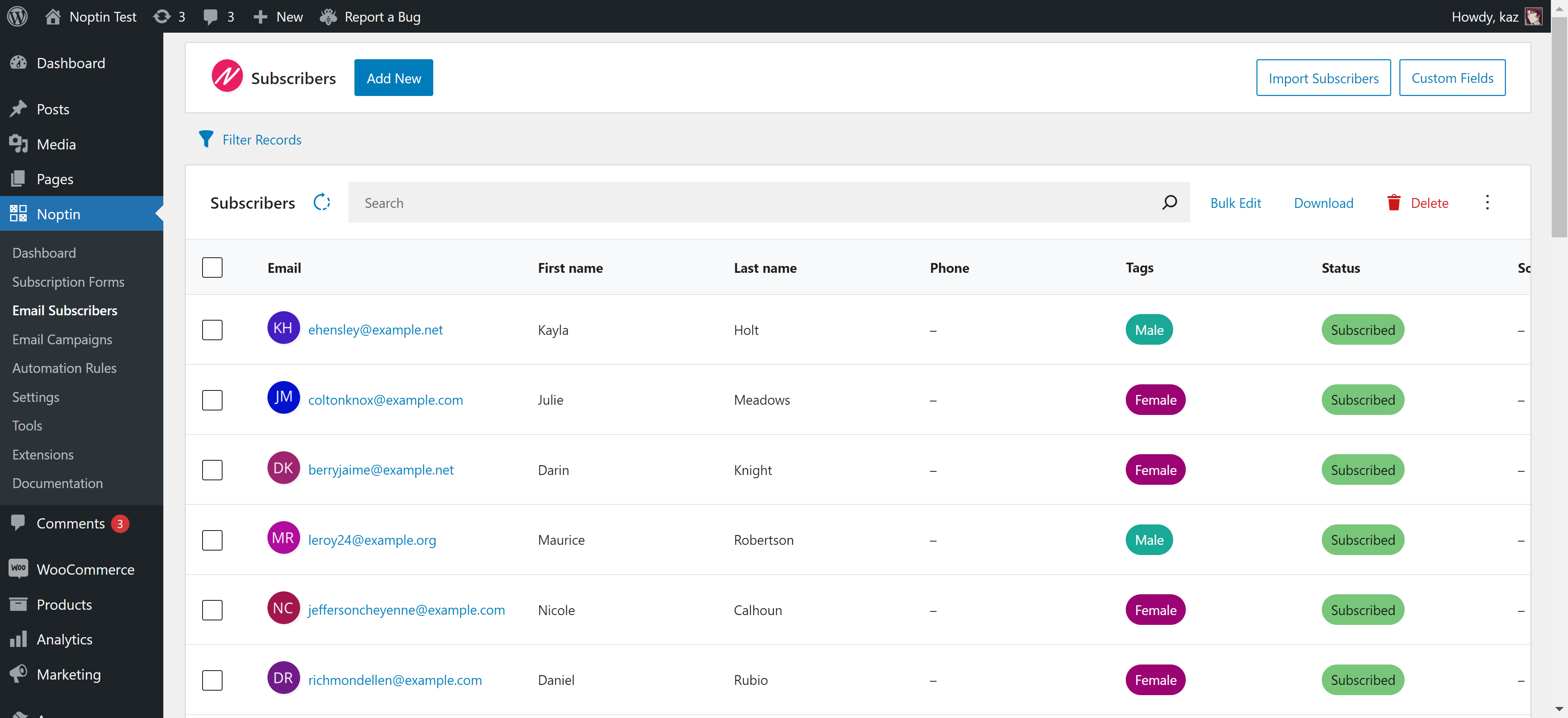
Viewing a list of all subscribers.
Blocks
This plugin provides 2 blocks.
- Newsletter Form
- Simple Newsletter Plugin - Noptin
Installation
- Go to WordPress Dashboard.
- Click on Plugins -> Add New
- Search form “WordPress Newsletter Plugin – Noptin“
- Find the plugin and click on the Install Now button
- After installation, click on Activate Plugin link to activate the plugin.
FAQ
-
Can I connect to my email service provider?
-
Yes. We have addons for Mailchimp, ConvertKit, Campaign Monitor, and Drip.
-
How can I get in touch?
-
- Use the contact form on our website.
-
How can I contribute to Noptin?
-
There are a lot of ways to contribute to this newsletter plugin:-
- Star the plugin on GitHub.
- Clone the plugin, make improvements to the code and send us a pull request so that we can share your improvements with the world.
- Give us a 5* rating on WordPress.
-
Will Noptin work with my theme?
-
Yeah. Your newsletter subscription forms will take your theme’s default styling.
Reviews


Contributors & Developers
“Simple Newsletter Plugin – Noptin” is open source software. The following people have contributed to this plugin.
Contributors

“Simple Newsletter Plugin – Noptin” has been translated into 1 locale. Thank you to the translators for their contributions.
Translate “Simple Newsletter Plugin – Noptin” into your language.
Interested in development?
Browse the code, check out the SVN repository, or subscribe to the development log by RSS.
Changelog
3.2.2
- Posts digest scheduling improvements.
- Test on WordPress 6.5.
3.2.1
- [[order.billing_email]] merge tag not evaluated when used as an email recipient.
- Fix newsletter unsubscribe URL not working on some setups.
- Do not filter posts by date when previewing a latest posts email.
- Make it possible to change field labels and placeholders in the subscribe / unsubscribe shortcodes.
3.2.0
- Re-upload broken png images.
- Convert settings page to React.js.
- Make it possible to track revenue generated per campaign.
3.1.3
- Add help text when newsletter fails sending.
- Add ability to trash and untrash email campaigns.
3.1.2
- Fix: Automated WooCommerce emails not sending.
- Fix: Newsletter emails contain wrongly wrapped words.
3.1.1
- Fix: PHP notice when using custom email template.
3.1.0
- Fix: Image block has no option to select the image.
- Fix: Classic email editor has no button to add an image.
3.0.1
- Add an automation rule trigger for imported subscribers.
- Allow setting the sender details per newsletter email.
3.0.0
- Allow HTML in newsletter subscription confirmation messages.
- Add option to allow editors to manage Noptin.
- New newsletter campaign editor.
2.0.5
- Allow sending automation rule emails to unsubscribed contacts.
- Improve newsletter subscribers import.
- Add newsletter CRON health check to auto-send stuck newsletters.
2.0.4
- Add back button to newsletter campaign editor screen.
- Check current WooCommerce order status when triggering a delayed automation rule.
2.0.3
- Fix error when previewing WooCommerce product purchased automated emails.
2.0.2
- Fix newsletter campaign stats not working.
- Test on WordPress 6.3.
- Do not pass ID when creating a newsletter subscriber.
2.0.1
- Fix newsletter subscriber meta not being saved.
2.0.0
- Improved subscriber management screen.
1.12.2
- Make it possible to hide predefined fields from the manage newsletter preferences form.
1.12.1
- Fix: Cannot access protected method Noptin_WooCommerce_Product_Purchased_Trigger::maybe_trigger() error.
1.12.0
- Use alternative method to send bulk newsletter emails.
- Add an automation rule action to delete newsletter subscribers.
- Make it possible to fully customize the double opt-in email or set up multiple emails.
- Fix: Subscriber imports strips out leading zeros.
1.11.8
- Speed improvements.
1.11.7
- Polylang improvements for multilingual newsletters.
1.11.6
- Fix multicheckbox newsletter form field type only sending a single value.
- Ability to bulk send newsletter subscription confirmation emails.
1.11.4
- Add ability to set custom newsletter subscription form field placeholders.
- Add option to set custom CSS for newsletter emails.
- Add automation rule action to create/update a GeoDirectory listing.
1.11.3
- Add Elementor forms automation rule trigger.
- Add Fluent form automation rule tirgger.
- Fix: Some subscriber customer field types not working when used to filter newsletter recipients.
1.11.2
- Fix: Post digests show raw CSS in certain WooCommerce templates.
- Add ability to manually send post digests.
1.11.1
- Fix: Concurrent newsletter campaigns from different sites not sent on a multisite network.
- Allow setting custom dates for sending post digest newsletters.
- Fix: Monthly digest newsletter always reschedule to the following month when edited.
1.11.0
- Include percentages in Newsletter campaign stats.
- Edit email based automation rules using the newsletter editor.
1.10.3
- Add EDD newsletter automation rule triggers.
- Add support for EDD newsletter template.
- Add support for WS Form.
1.10.2
- Fix popup newsletter subscription forms not working.
1.10.1
- Ability to send an email to individual newsletter subscribers.
1.10.0
- Paid Memberships Pro – Membership level changed automation trigger.
- Paid Memberships Pro – Change membership level changed automation action.
- Escape formulas in CSV exports.
1.9.5
- Daily post digests now send content published in the previous day instead of the previous 24 hours.
- Add [[order.coupon_code]] WooCommerce newsletter merge tag.
1.9.4
- Fix: Noptin newsletter subscribers overview page blank when certain plugins are active. https://github.com/lasssim
1.9.3
- Fix: WooCommerce product purchase automation trigger reverts to intially selected values when saved.
1.9.2
- Add subscribe to newsletter automation rule action.
- Improve WooCommerce product purchased automation rule trigger.
1.9.1
- Added more WooCommerce conditional logic filters.
- Newsletter perfomance improvements.
1.9.0
- GeoDirectory newsletter integration.
- Add conditional logic to all automation rule triggers.
1.8.2
- Fixed: A CRON conflict causing post digests to create multiple newsletter campaigns.
1.8.1
- Fix unsaved custom newsletter fields disappearing
1.8.0
- Add language custom field.
- Add ability to send multi-lingual newsletters.
- Add newsletter-subscriber based conditional logic to automation rule triggers.
1.7.8
- Fix automation rules send empty email body.
1.7.7
- Ensure PHP < 7.3 compatibility
1.7.6
- Newsletter subscribers export file is empty.
1.7.5
- Subscription checkbox breaks the registration form.
- Add BuddyPress registration form compatibility.
1.7.4
- Add ability to set newsletter subscription checkboxes as checked by default
- Add ability to set a field as required
- Add support for WooCommerce checkout block
- Default to the classic editor for non-woocommerce sites
1.7.3
- Update plugin name
1.7.2
- Fix incorrect logo link in email newsletters
1.7.1
- Double opt-in confirmation links displays empty box on some sites – FIXED
1.7.0
- Ability to duplicate and preview automated email campaigns – ADDED
- Ability to send a test email for any automated email campaign – ADDED
- Filter newsletter recipients by custom fields.
- View unsubscribes for each email newsletter and automated email.
- Ability to order newsletter subscribers by custom field.
- Subscriber delete button not working – FIXED.
- Fix conflict with WPForms pro
1.6.6
- Action page links not working – FIXED
1.6.5
- Now uses normal WordPress new-post pages to for the newsletter form editor – FIXED
- Now adds and verifies a key before redirecting newsletter links – CHANGED
1.6.4
- All imported newsletter subscribers marked as unconfirmed – FIXED
1.6.3
- Update newsletter form editor JS – CHANGED
1.6.2
- Multi-lingual newsletter improvements – ADDED
1.6.1
- Double newsletter subscription fields on new installs – FIXED
1.6.0
- Add [noptin] newsletter form shortcode
1.5.6
- Import newsletter subscribers page is blank – FIXED
1.5.5
- Better management of newsletter subscriber fields – ADDED
1.5.2
- Ability to add newsletter sign-up checkboxes on any WordPress HTML forms – ADDED
- Ability to disable newsletter stats – ADDED
1.5.1
- Ability to use merge tags in newsletter subscription success messages and pages – ADDED
noptin_hidenow hides newsletter subscription forms for an hour – ADDED- Ability to use post meta fields as newsletter merge tags – ADDED
- Ability to add dropdown select field to newsletter sign-up forms – ADDED
1.5.0
- Ability to connect your site to Noptin.com for faster support and updates – ADDED
- Ability to set multiple admin notification recipients – ADDED
- Ability to view stats for sent new post notification newsletters – ADDED
- Ability to automatically delete sent campaigns after X days – ADDED
1.4.6
- WPML Noptin settings translations not loaded – FIXED
- Confirmation URLs show 404 error when using Polylang – FIXED
1.4.5
- Fix automatic “new post notifications” do not work if the new post is a duplicate of an earlier post.
1.4.4
- Fix checkbox always shows no (Ville Viljanen).
- Fix featured image not showing in new post notification newsletter.
- Add a [[resubscribe_url]] tag usable in emails and unsubscribe message.
- Add the
[noptin-show-if-subscriber]and[noptin-show-if-non-subscriber]shortcodes. - Add the
[noptin-subscriber-count]shortcode.
1.4.3
- Fix undefined variable notice in new hook.
1.4.2
- WooCommerce integration displays an error when the Woo Product Feed addon is displayed.
1.4.1
- Allow your customers to subscribe to your newsletter when checking out via GetPaid.
- Add a GetPaid new invoice automation rule.
- Add a GetPaid lifetime value automation rule.
- Add a GetPaid item purchased automation rule.
- Fix Contact Form 7 submissions not added to the newsletter if the acceptance checkbox is not set.
- The “.noptin-mark-as-existing-subscriber” CSS class can now be used to close sliding newsletter sign-up forms.
- Ability to limit the maximum number of emails that can be sent per hour.
1.4.0
- Add a conditional newsletter subscription checkbox to Contact Form 7.
- Add a conditional newsletter subscription checkbox to Ninja Forms.
- Add a conditional newsletter subscription checkbox to WPForms.