

Description
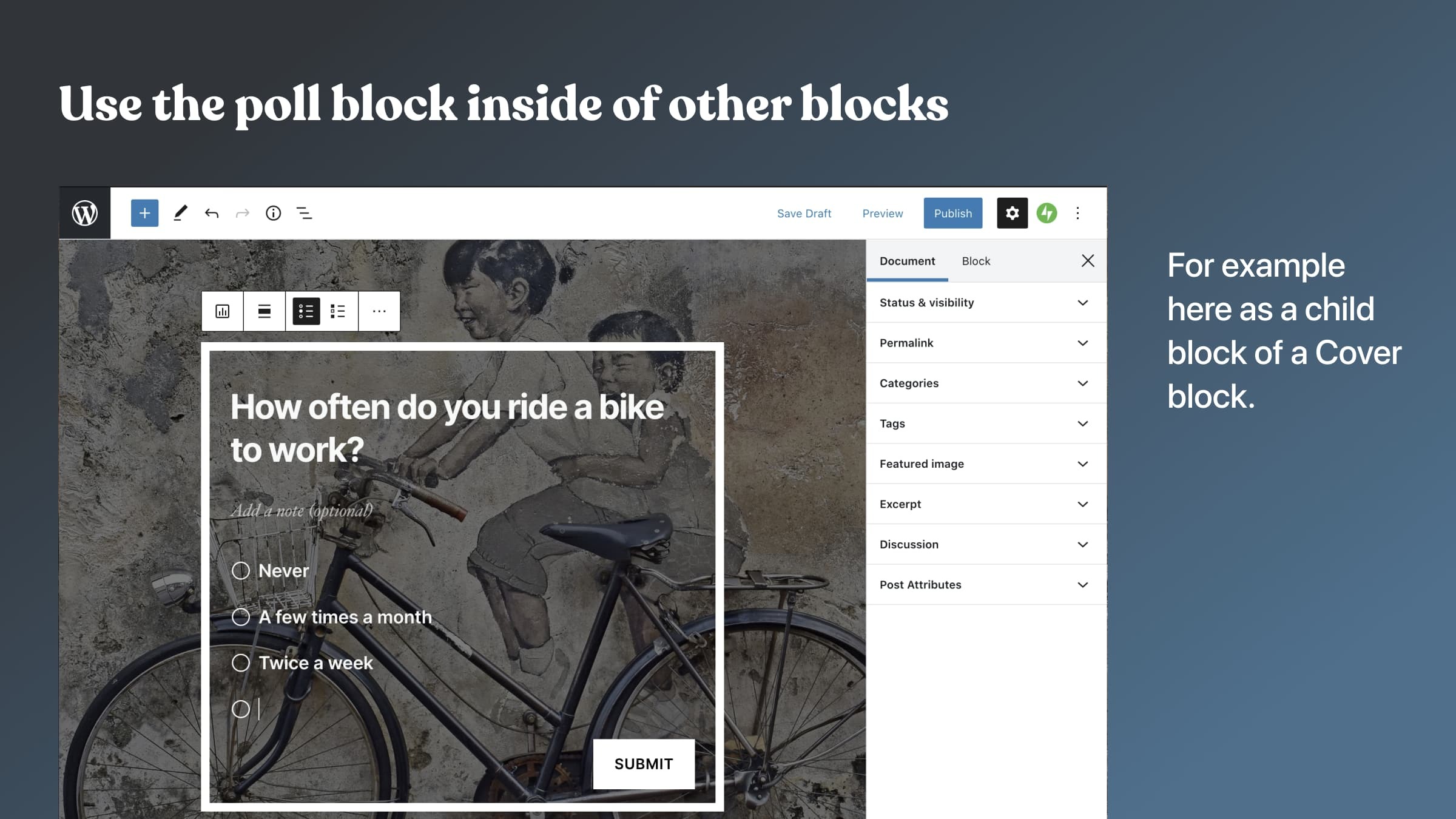
The Crowdsignal Forms plugin allows you to create and manage polls right from within the block editor.
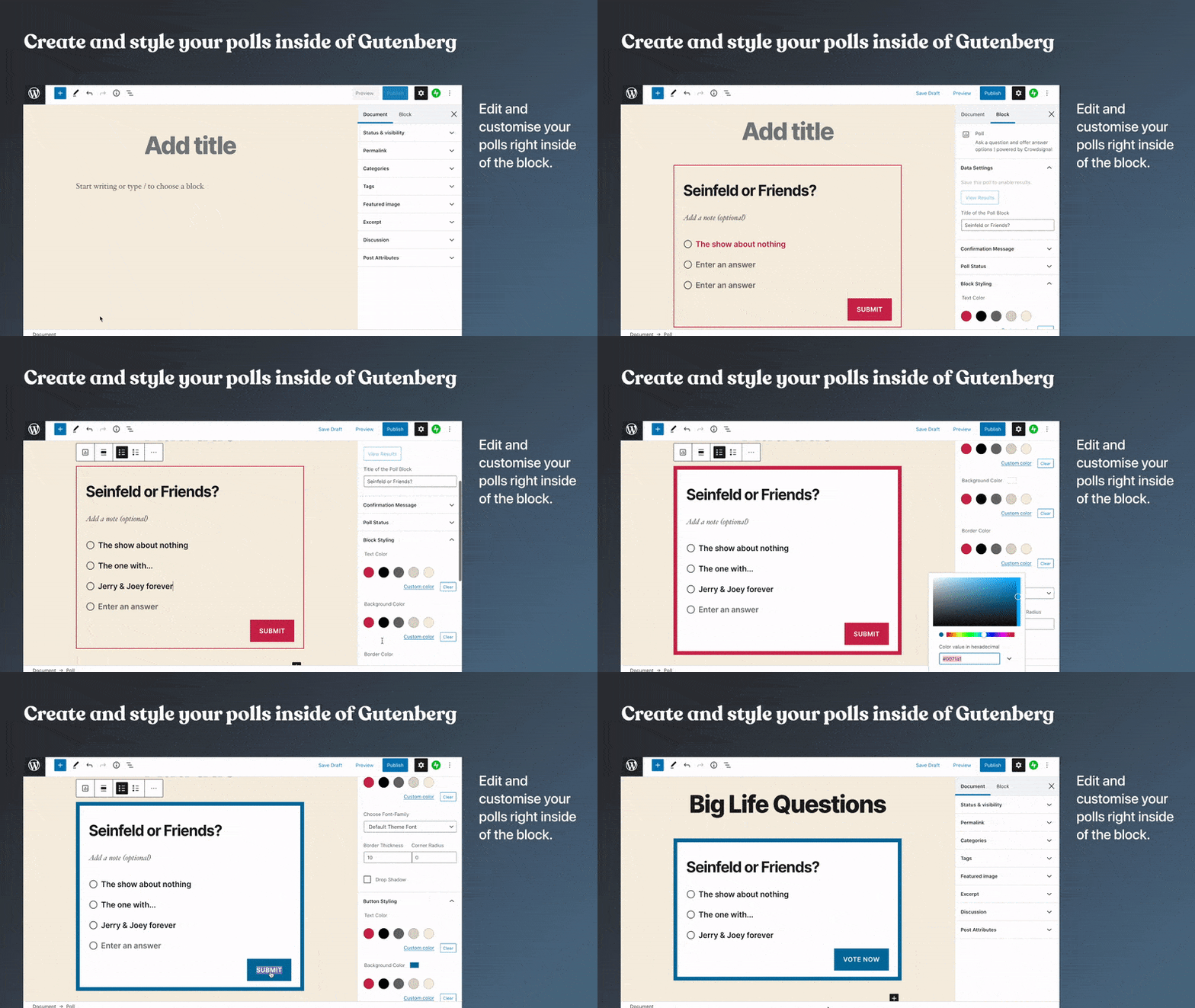
Creating polls is as simple and as fast as writing a bullet point list. No embed blocks and no copy pasting needed anymore.
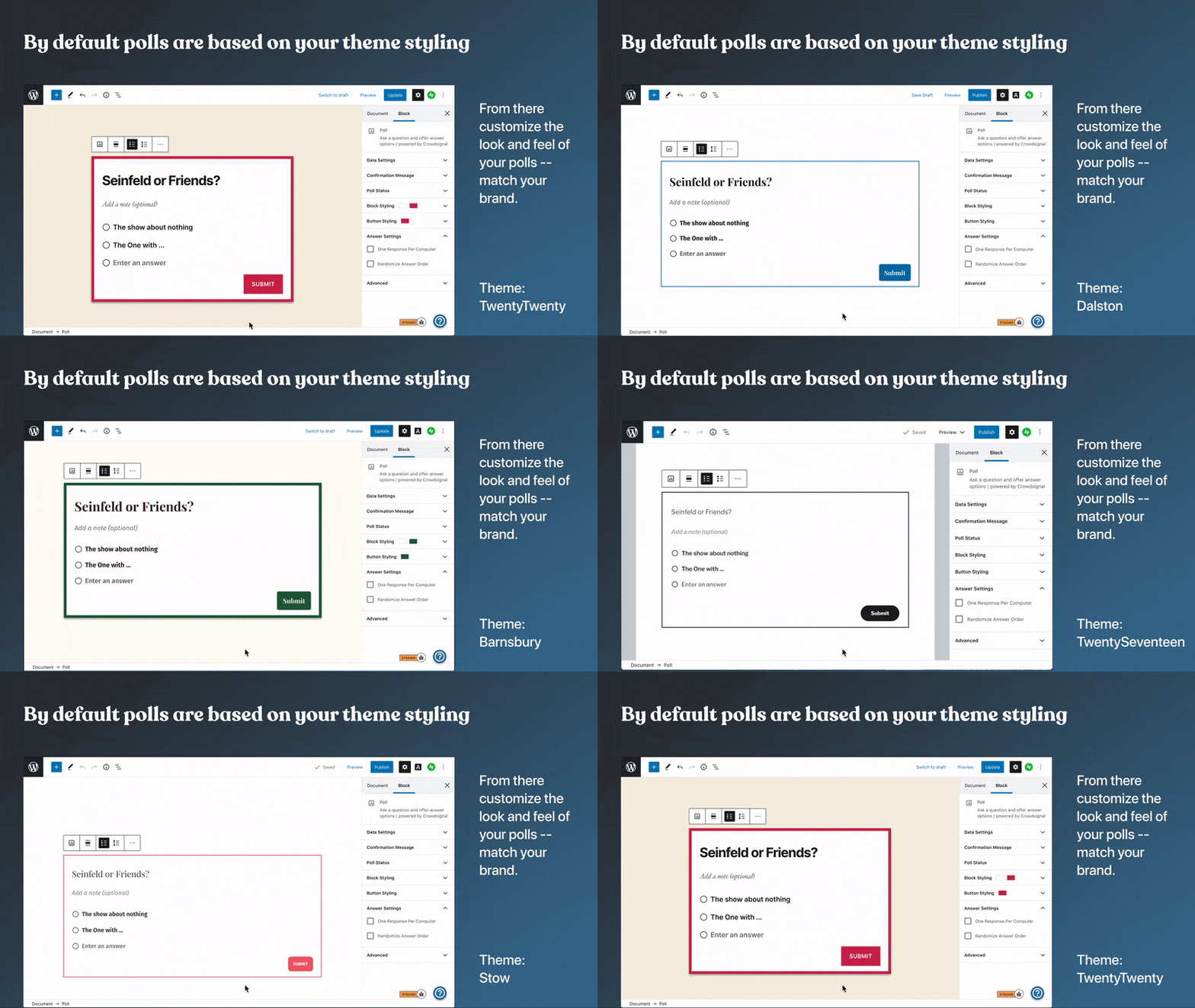
Customize the look and feel of your polls to match your brand, and pick your favorite color. The poll block supports the styling of your theme by default, and from there you can customize the styling of your polls the way you want.
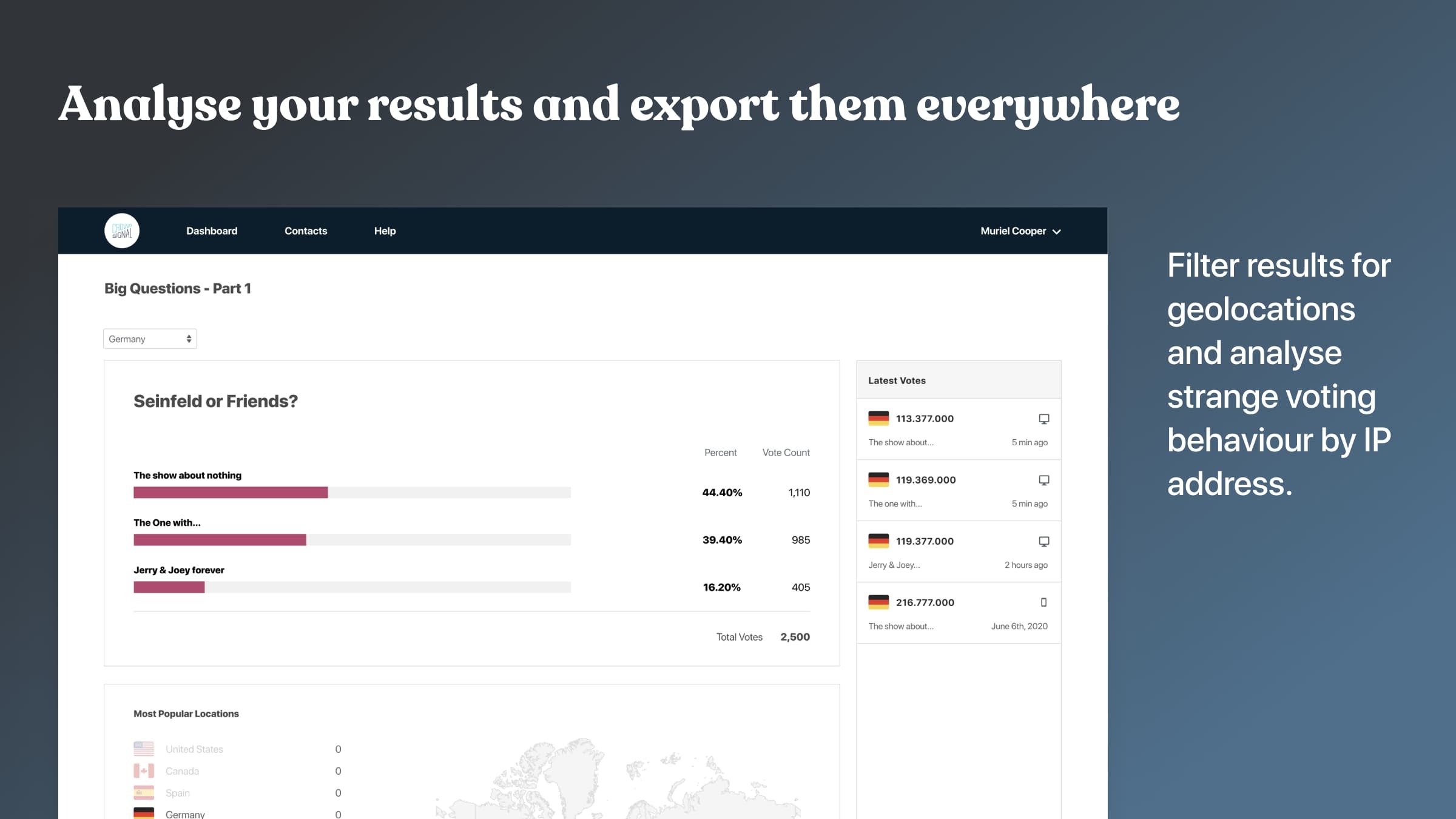
With Crowdsignal’s results page you can view all responses as they come in. See the geo-locations of your voters and analyze IP addresses for any suspicious voting behavior. See advanced stats and analytics for understanding your audience.
Analyze your results and then export them in a number of different formats.
Set close dates for polls, create polls with single or multiple choice answers, choose whether to show your readers the poll results or keep them private.
You can create an unlimited number of polls with a free Crowdsignal account and your first 2,500 signals are free. A signal is a response you get to a poll. If you are on a free plan, you still have full access to the first 2,500 signals. Any further responses you collect will still be recorded but if you upgrade you will get access to our unlocked reports to see them. You’ll also get access to a range of features not available to free users.
Screenshots
Blocks
This plugin provides 6 blocks.
- Poll
- Applause
- Feedback
- Vote Item
- Nps
- Vote
Installation
The easiest way to install this plugin is through the “Add New Plugins” page on your site. 1. Go to the Plugins page and click “Add New”. 2. Type “Crowdsignal Forms” in the search box and press return. 3. Click the “Install Now” button.
Once installed you must connect your site to Crowdsignal.com 1. Activate the plugin and you will be brought to the Getting Started page. 2. Click “Let’s get started” to open a popup that will allow you to login or create a new Crowdsignal account. 3. You’ll be presented with an API key to use so press Connect and you’ll be brought back to your own site. 4. The popup will disappear and the message, “You’re ready to start using Crowdsignal!” will be shown. 5. Happy polling! Create a post and add a new “poll” block!
FAQ
-
Why Crowdsignal Forms?
-
We’re starting with just the Crowdsignal poll block but more blocks are coming soon.
-
Who is Crowdsignal?
-
Crowdsignal is built by Automattic, the company behind WordPress.com, WooCommerce, Tumblr and more. We’re here to stay!
-
Where can I find help with this plugin?
-
Automattic is a distributed team working from all around the world, so it’s always business hours for our more than 250 Happiness Engineers. Check out our support documentation, the support forum or reach out to us anytime and we’ll be happy to help.
-
What plans do you offer?
-
Compare our simple and affordable plans or take a product tour to learn more.
Reviews


Contributors & Developers
“Crowdsignal Forms” is open source software. The following people have contributed to this plugin.
Contributors
“Crowdsignal Forms” has been translated into 18 locales. Thank you to the translators for their contributions.
Translate “Crowdsignal Forms” into your language.
Interested in development?
Browse the code, check out the SVN repository, or subscribe to the development log by RSS.
Changelog
1.8.2 – 2026-07-06
- Add a filter that users can use to prevent redirect on activation. (#293)
- Migrate to React 19-compatible render APIs [#309]
- Refine cached poll and survey REST fetch handling [#319]
1.8.1
- Use a server-keyed checksum for NPS response updates (#312)
- fix: update basic-ftp lockfile (#310)
- Fix deprecated Toolbar and defaultProps usage (#308)
- Make editor DOM access iframe-safe for Block API v3 (#307)
- Migrate all blocks to Block API v3 with useBlockProps (#306)
- Refactor withFallbackStyles to remove wrapper div and use iframe-safe APIs (#305)
1.8.0
- Harden survey and poll data handling (#302)
- Tests: Fix typo in
@coversannotation (#301) - Fix feedback popover background color on frontend (#300)
- Docker: Add phpMyAdmin and pcov (#299)
- Fix development infrastructure and add documentation (#298)
- Fix PHPUnit and PHPCS by Updating Dependencies (#297)
- Build tools: Fix and update (#296)
- Bump tested to version to 6.8 (#295)
1.7.2
- Fix: Made string translatable in html-admin-setup-step-1.php file (#281)
- Fix dynamic property (#282)
- Load blockObserver on DOM ready instead of window load (#268)
- i18n: Fix omitted dollar signs in printf placeholders (#283)
1.7.1
- bump “Tested up to” to 6.5
- check for empty cached poll data to prevent warning on load of editor (#278)
- check for null
core/edit-postselector which is causing a crash in 6.5 (#277) - disable PostPreviewButton because it is crashing the block on re-renders (#274)
- Prevent blocks from being used in the Site Editor (#272)
- crowdsignal applause block: Only try to fetch poll data if a pollId exists (php 8.1 warning) (#270)
- Update message banner for closed, hidden and voted polls (#269)
- Update @wordpress/scripts and webpack to latest versions (#266)
- Block Sidebar: group settings together (#265)